Easy Video Conferencing Present Directly From The One-Touch Search Engine
Cloud Access
Direct login and webcam integration Present files directly from Microsoft Carry out web searches during
make video conferencing a breeze. Teams or log in to Google Drive and meetings directly through the projector,
Save your personal devices for other OneDrive cloud via a browser, and even without the need to interrupt your
tasks and let smart projector run video make real-time edits. meeting flow.
conference meeting
Intuitively Screencast Any Device
Connect your smartphone, tablet, or laptop, without the need for software download, and mirror your screen seamlessly from any Windows, Mac/iOS or Android device.
Miracast Airplay Google Cast BenQ Instashare 1.0
4-Way Split Screen
See images from up to four devices side by side, making it easy for remote team members and partners to cast presentations from different locations.
Multi-Source Casting
Even if only one person is signed into the meeting, participants in the same room can cast individually and share content via the projector to remote attendees without
switching what's projected onscreen.
Auto Settings
From boot-up to presentation, BenQ EH620 auto-detects content and provides the most suitable visual and audio settings instantly.


Auto Vertical Keystone Auto Picture Mode Auto Sound Mode
Adjustment Adjustment
Enables projection of a perfectly Detects and optimizes your image Detects content sources automatically
squared image from any angle. automatically according to its content. and optimizes audio settings for voices
and sounds.
Designed for Clear Voices
Specially designed for video conferences, EH620 offers two 5W speakers and a voice-enhanced Vocal Mode to let every remote or in-person attendee hear meeting details
clearly for effective collaboration.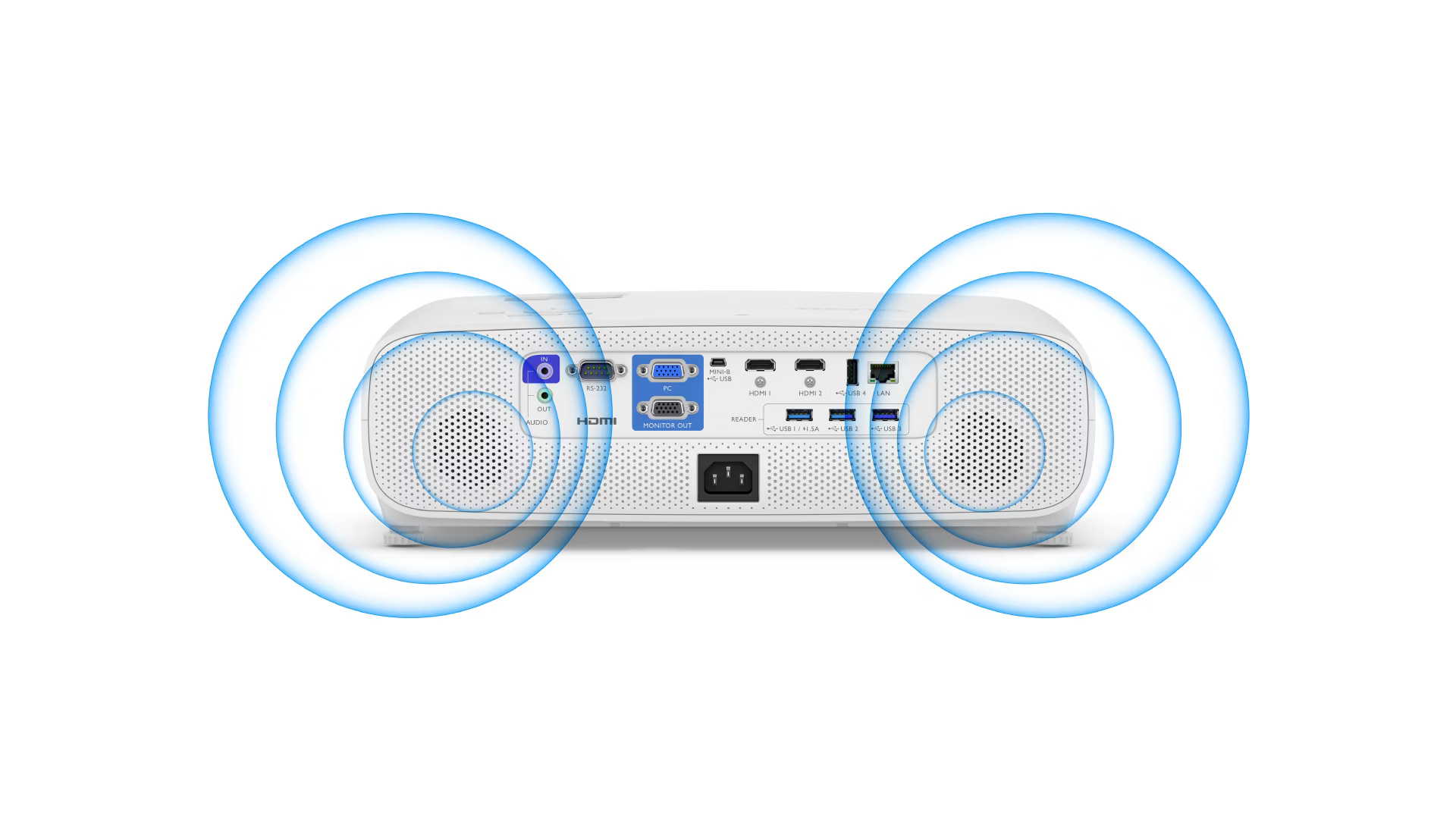
Music Mode Vocal Mode Cinema Mode

Easy Management
BenQ network projectors enable easy comprehensive management by
admins and other IT staff.
Enterprise-Grade Protection
Safeguard your sensitive data via embedded Intel® Celeron® CPU and
easy-to-manage Wintel system. Enjoy hardware-level protection for your
device, chips, apps, and wireless casting.

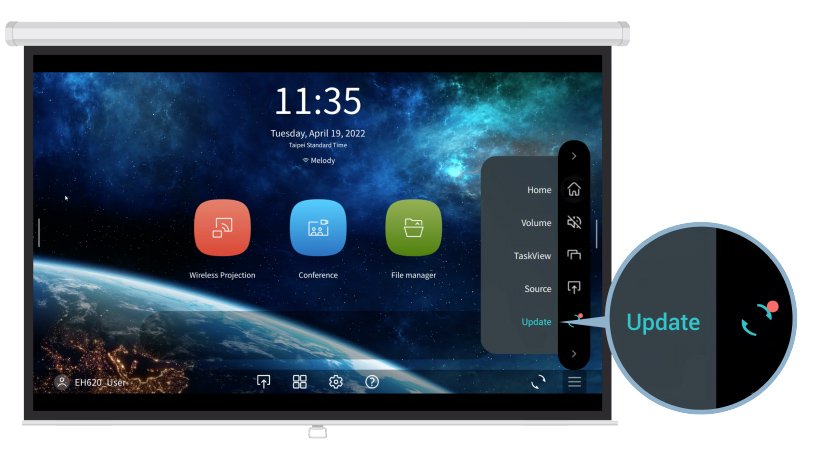
Auto Firmware
Upgrade
Automatic update notifications for download and
installation, all completed through the projector.
NOTE: This function supports BenQ app and Windows d
river/security updates. For TI, Windows firmware and
BIOS updates, please contact via service channel.
Third-Party Compatibility
Broadly compatible with third-party legacy control
systems, including PJ-Link, Crestron, and AMX.
Projection Fits for Every Room
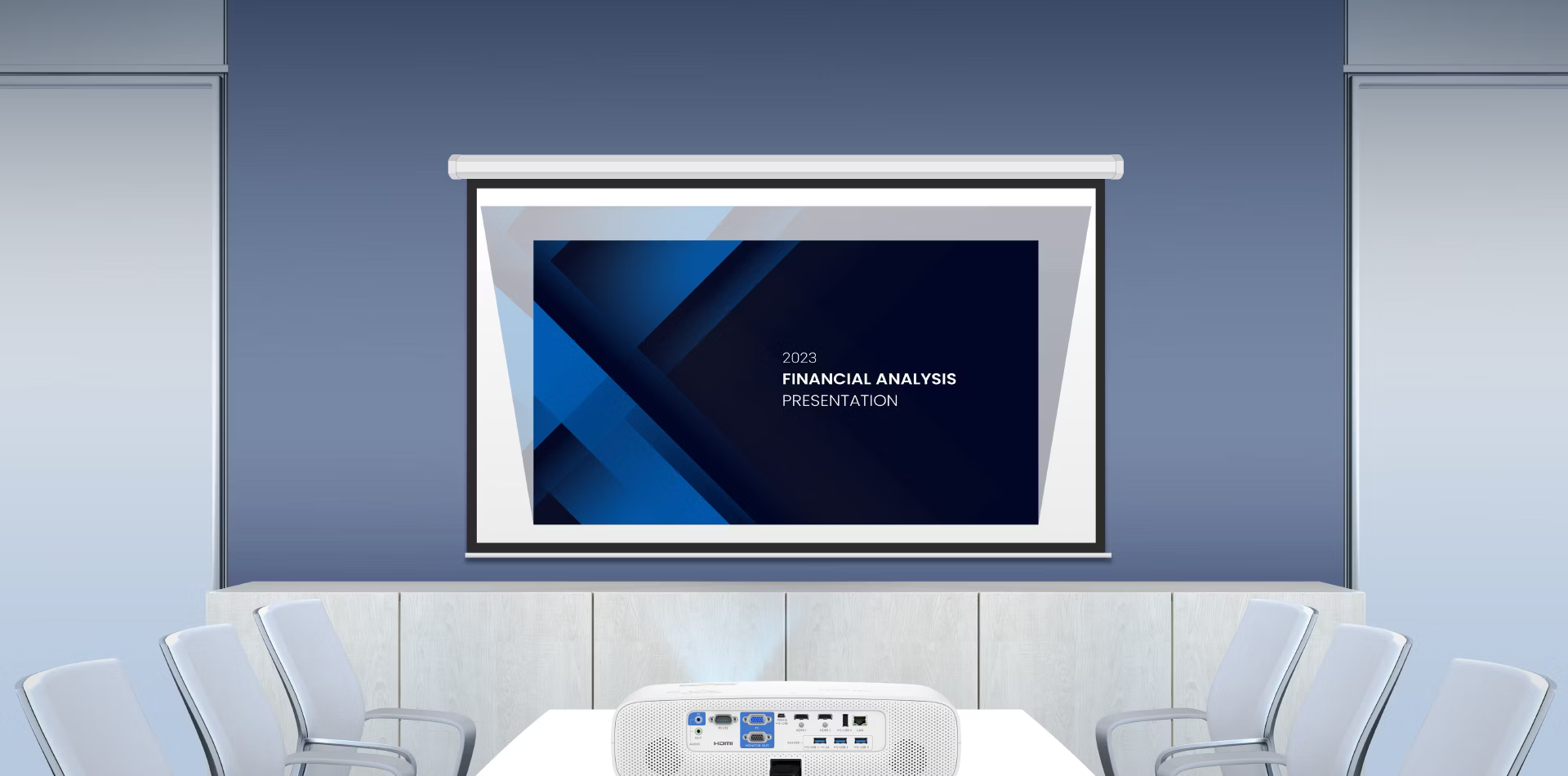
Project images larger than 100" from just 2 m~3 m away (via 1.1X zoom), enabling easy big-screen viewing in rooms of any size.